
PDF Generator for WordPress
Create professional PDFs made for WooCommerce stores. Get better-looking invoices, receipts, and documents designed for real business use.
Or
try the free version
Order Invoices
Customer Receipts
Branded Documents
Packing Slips
Downloadable PDFs



2 min
Average Setup Time
0
Lines of Code Needed
∞
Rules you can Create
100%
WordPress Native
WHY PDFDRAFT
Why should you Choose PDFDraft?

Design Your Own Invoice
Use a simple visual builder to create your layout with text, tables, and images.

Automatic PDF Generation
Automatically generate PDFs for completed orders, or create them manually anytime.

Match Your Brand
Customize colors, backgrounds, and templates to fit your business.

Integrated with WooCommerce
Pull in customer details, product info, and totals directly into your PDF.

Ready-to-Use Templates
Start with a PDF template or build your design from scratch.

Print-Ready PDFs
Create clean documents ready to download, print, or send.
WHAT YOU CAN USE
Full Control Over Your PDF Design
Design your PDF faster with ready-made templates, reusable elements, and easy layout controls.
Elements
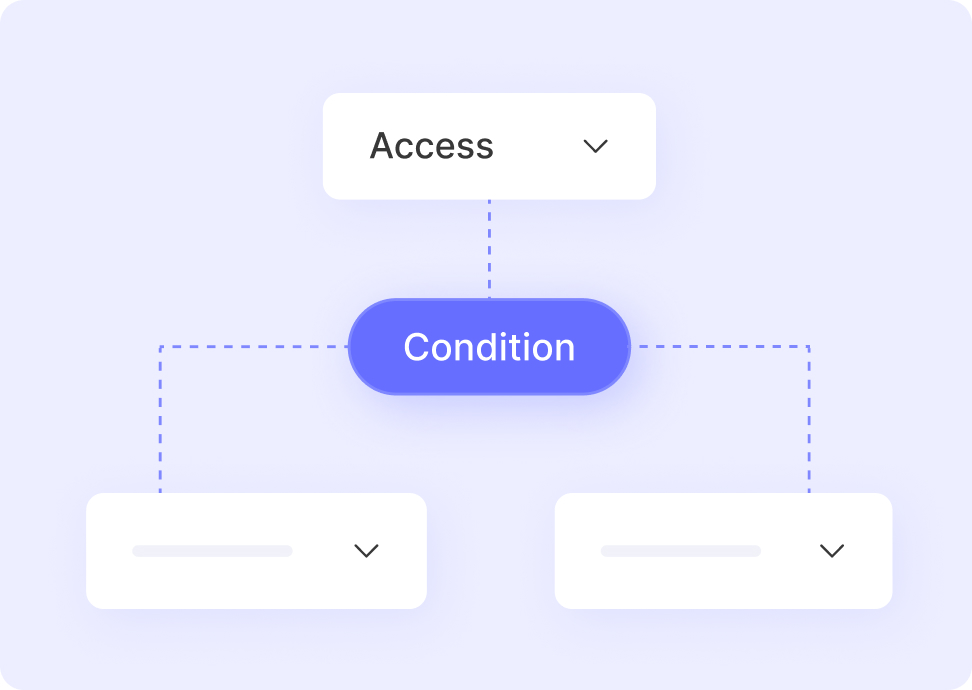
Add text, images, tables, and WooCommerce data anywhere on your invoice.
Library
Use ready-made layouts and components to design faster.
Background
Add colors or images to match your brand style.
Pages
Create multi-page PDFs for detailed documents.
Layers
Arrange and control every PDF element with ease.
HOW IT WORKS
Up and running in under 2 minutes
PDFDraft is built for store owners, not developers.
No shortcodes. No technical setup.
1
Install the Plugin
Add PDFDraft to your site and connect it with WooCommerce.
2
Choose a Template
Start with a template or a blank page.
3
Design Your Layout
Arrange your invoice using the visual builder.
4
Connect Order Data
Insert WooCommerce fields like customer info, items, and totals.
5
Publish the PDF
Save your design. PDFs are now created automatically for every order.
Frequently Asked Questions
Quick answers to common questions about using User Registration & Membership for membership sites.
User Registration & Membership is built for WordPress site owners who want to monetize content through memberships. This includes course creators, content publishers, coaches, online communities, client portals, subscription businesses, and anyone selling access to premium content or services.
Yes. Custom registration and login forms are core features of User Registration & Membership. Build forms with 60+ field types using our drag-and-drop builder. We’ve now added complete membership management, payments, and content restriction to make it a full membership solution.
Yes. User Registration & Membership is completely standalone with a built-in payment system. You don’t need WooCommerce, third-party payment plugins, or any other dependencies. Everything—memberships, payments, forms, and content restriction—works from one plugin.
Yes. The free version includes everything you need to create membership plans, accept payments (Stripe, PayPal, bank transfer), and restrict content. Paid plans add recurring subscriptions, additional payment gateways, fixed period memberships, and advanced automation.
If you already have content ready to monetize, you can set up a complete membership flow in under 10 minutes. This includes creating membership plans, connecting payments, and applying content restrictions.
URM supports payments through Stripe, PayPal, and bank transfer, with additional gateways available in Pro. Payments stay connected to membership access, renewals, and upgrades automatically.
No. User Registration & Membership includes a setup wizard that guides you through the initial setup and a site assistant feature that helps you complete necessary steps. Set up memberships, payments, and content restriction without any coding.
GET STARTED TODAY
Start Creating Your PDF Today
Design it once. Let it run for every order.
GET STARTED TODAY
Start Creating Your PDF Today
Design it once. Let it run for every order.