
FOR BLOGGERS & PUBLISHERS
Your Content Deserves a Life Beyond the Browser
Turn any WordPress post or page into a beautifully branded PDF your readers can
download, save, and share — instantly, with no coding required.
1 Click
PDF Download for Readers
Block & Shortcode
Two Flexible Embed Methods
Zero Coding
Required to Get Started
Instant
PDF Generation on Demand
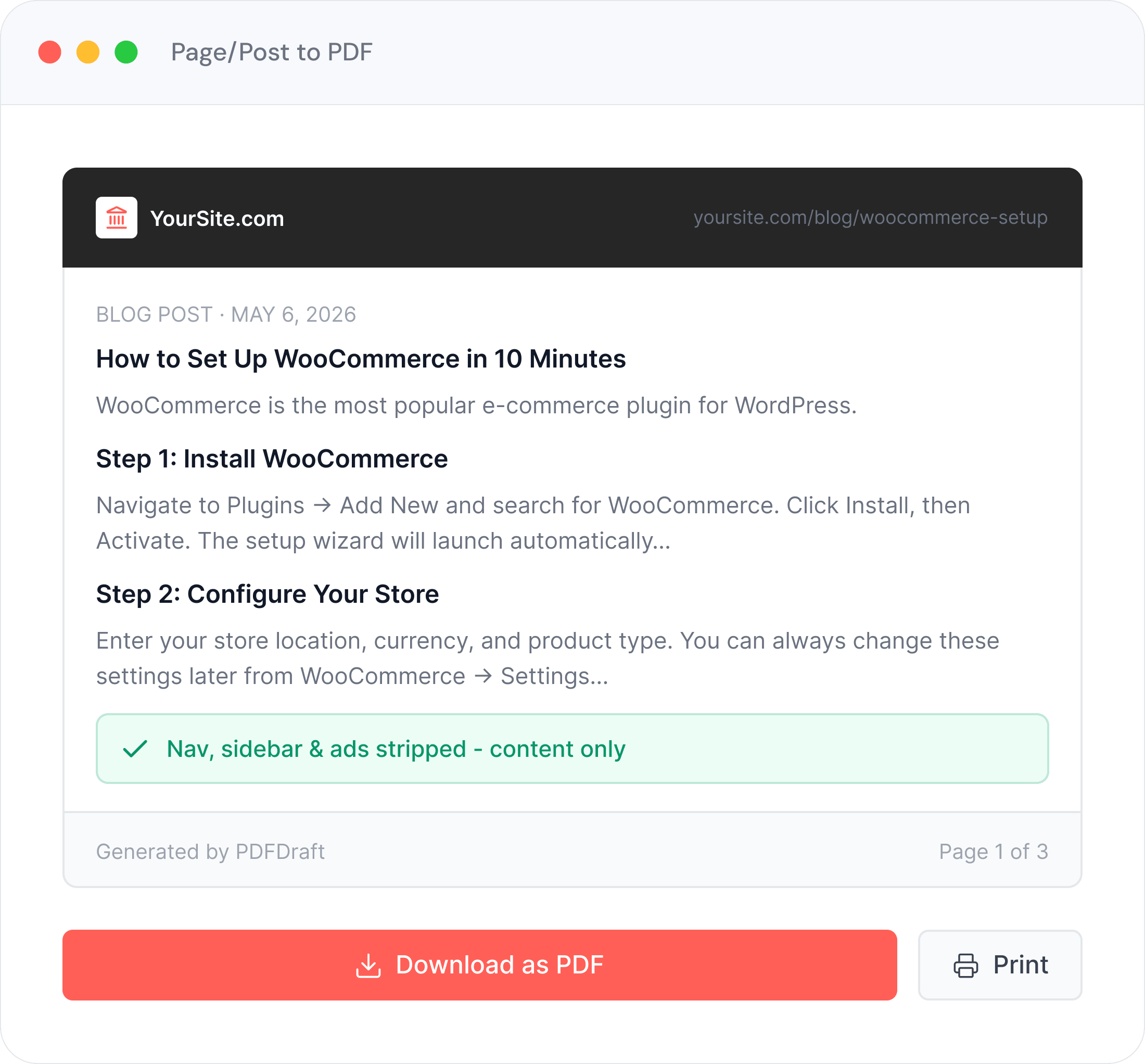
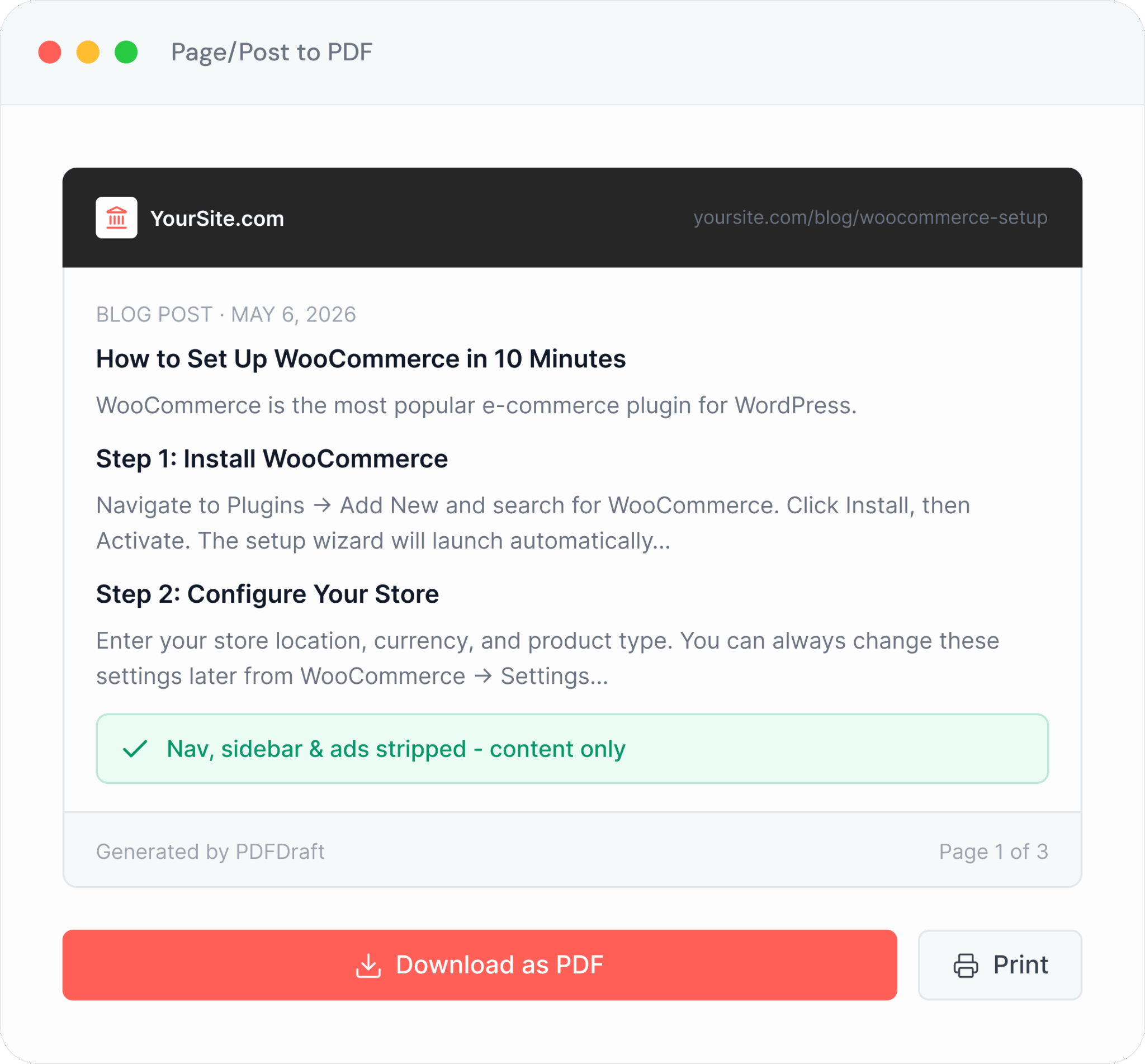
Post & Page to PDF
Let Readers Take Your Best Work With Them
Add a download button to any post or page and your visitors get a perfectly formatted PDF in seconds. Great for long-form guides, tutorials, and evergreen content you want readers to keep, reference offline, or share with colleagues.
Automatically pulls your post title, content, and images
Preserves formatting, headings, lists, and media
Embed via Gutenberg block or shortcode — your choice
Works on any post, page, or custom post type
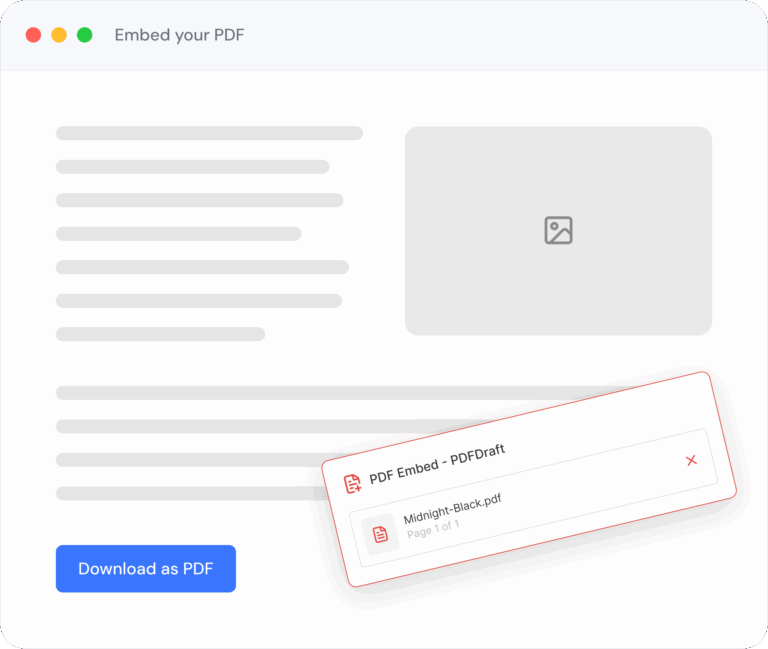
Embed PDF
Showcase Your PDFs Right Inside the Page
Don’t just link to a PDF — embed it. Give readers an inline preview of your content library, course handouts, press kits, or style guides directly on any post or page, with a download option alongside.
Inline PDF viewer — readers browse without leaving your site
Perfect for resource libraries, media kits, and course materials
Add via block or shortcode anywhere in your content
More Ways to Use PDFDraft
Built for Every Corner of Your Publishing Workflow
From tutorials to press kits, PDFDraft fits naturally into how bloggers and publishers already work.

Content Downloads
Let visitors save your best posts as polished PDFs — great for guides, tutorials, and evergreen content they’ll want to reference later.

Editorial Style Guides
Export your brand voice, formatting rules, and contributor guidelines as a shareable PDF document to keep your team aligned.

Press Kits
Generate a branded media kit PDF directly from your About or Press page. Always up to date, always ready to share with journalists and partners.

Course & Tutorial Handouts
Let students and learners download step-by-step tutorials, cheat sheets, and reference guides as PDFs they can study offline at their own pace.

Newsletter Archives
Publish each newsletter issue as a page and give subscribers a permanent PDF archive to browse, search, and revisit long after the email is gone.

Branded Content Packages
Bundle your best content into a polished branded PDF package — your logo, colors, and typography on every page — to deliver a professional reader experience.
HOW IT WORKS
Up and running in minutes
Built for site owners, not developers. No shortcodes.
No technical setup.
Install Plugin
Download and activate PDFDraft from the WordPress plugin directory.
Open any Post
Navigate to any existing or new post or page in your WordPress editor.
Add Download Button
Insert the PDFDraft block or add the shortcode wherever you want the download button to appear.
Readers Download Instantly
Visitors click the button and receive a beautifully branded PDF of your content in seconds.
Ready-Made Templates
Start With a Professional Layout
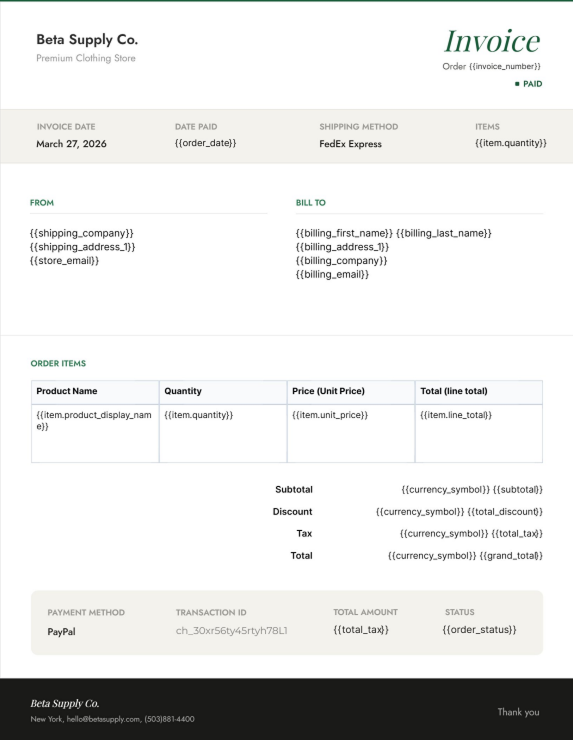
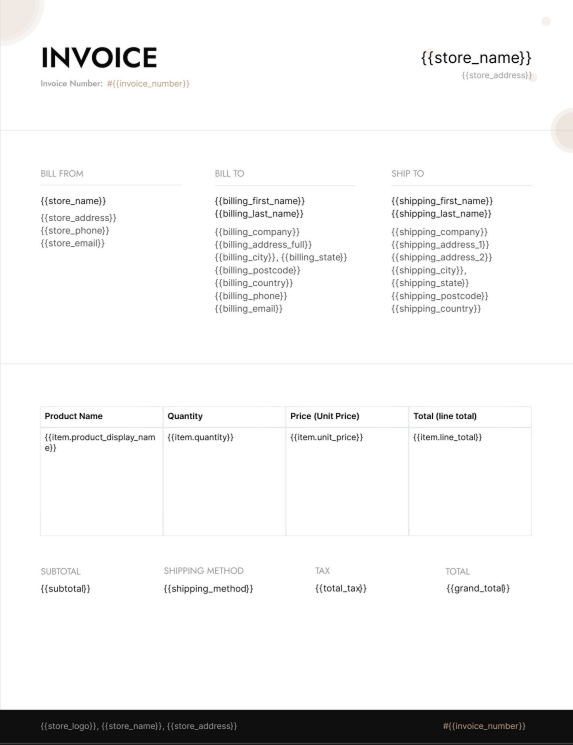
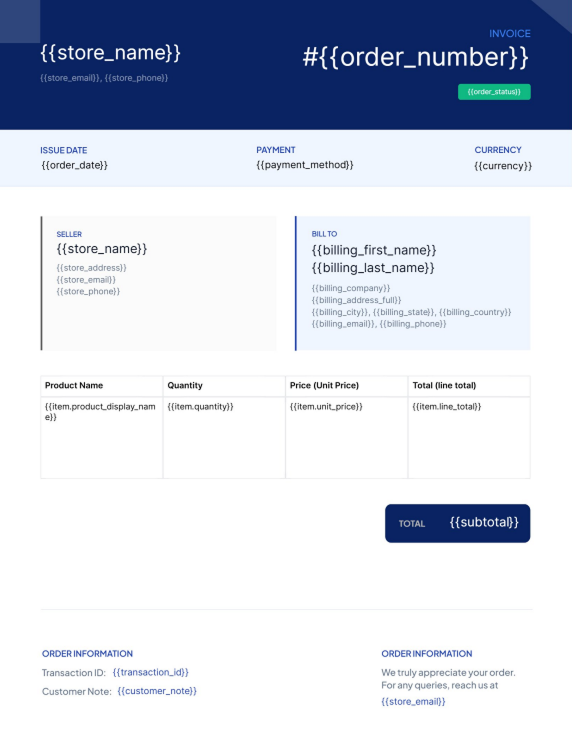
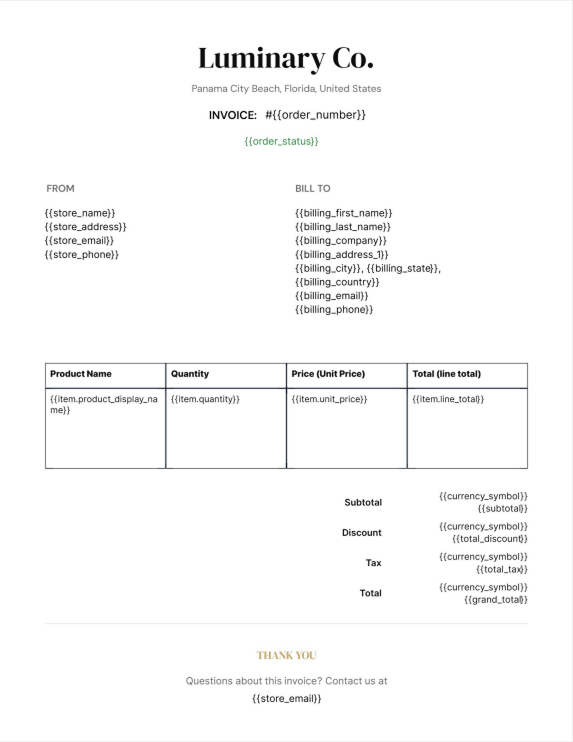
Pick a template, customize it to match your brand, and publish. Every template is print-ready and fully editable in the visual builder.
Classic Article
Modern Editorial
Clean Report
Bold Newsletter
GET STARTED TODAY
Start Letting Readers Keep Your Content
Install PDFDraft for free and turn any WordPress post or page into a
beautifully branded PDF — in minutes, not days.