
USE CASE — EDUCATION & E-LEARNING
Turn your Courses into Professional PDF Experiences
Issue branded certificates, publish course brochures, distribute study materials, and embed a PDF viewer —
all from inside WordPress. No design software, no third-party services.
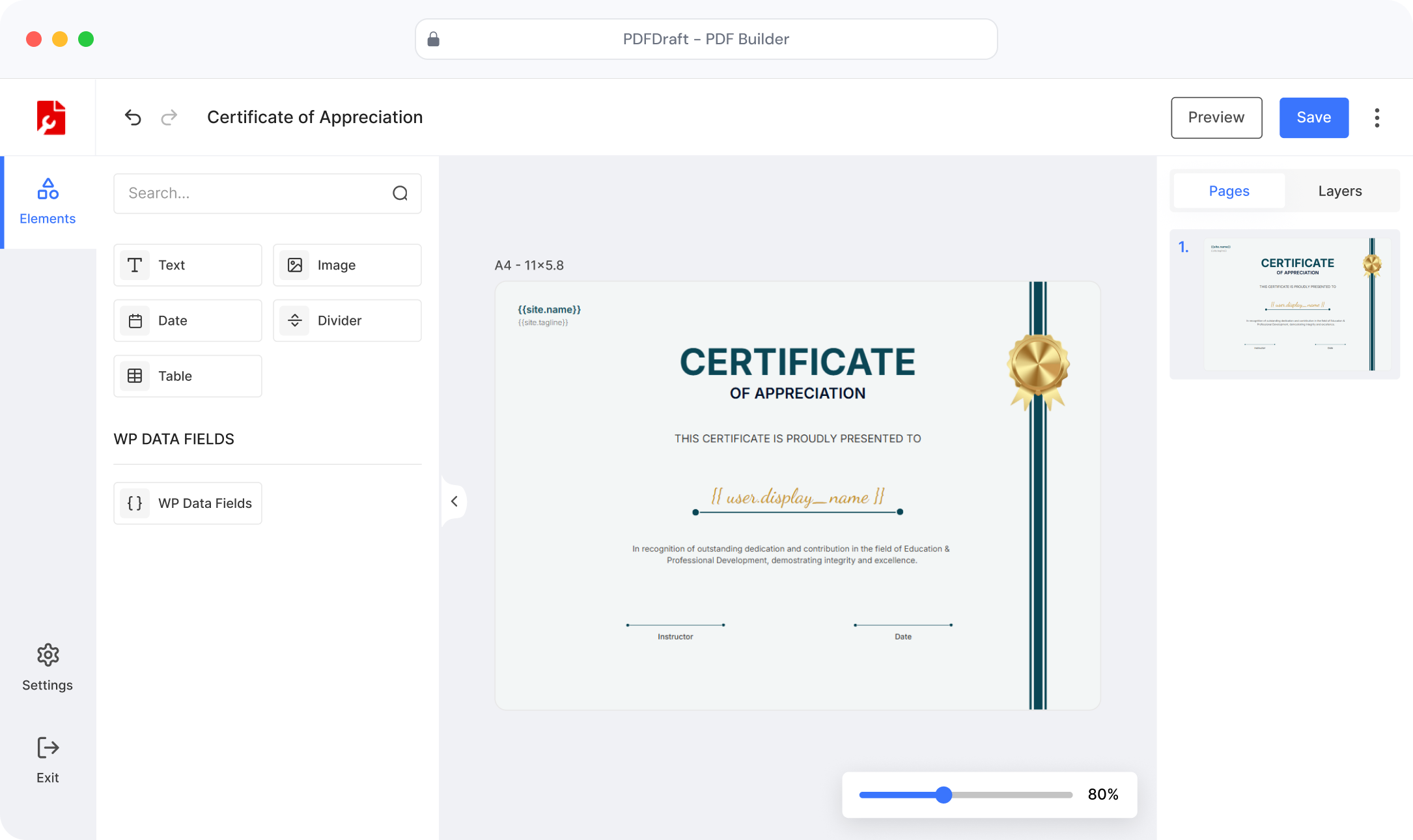
10 min
to issue your first certificate
Zero
design skills needed
100%
WordPress-native, no SaaS lock-in
∞
PDF types you can generate
CERTIFICATES
Issue Beautiful Completion Certificates — Automatically
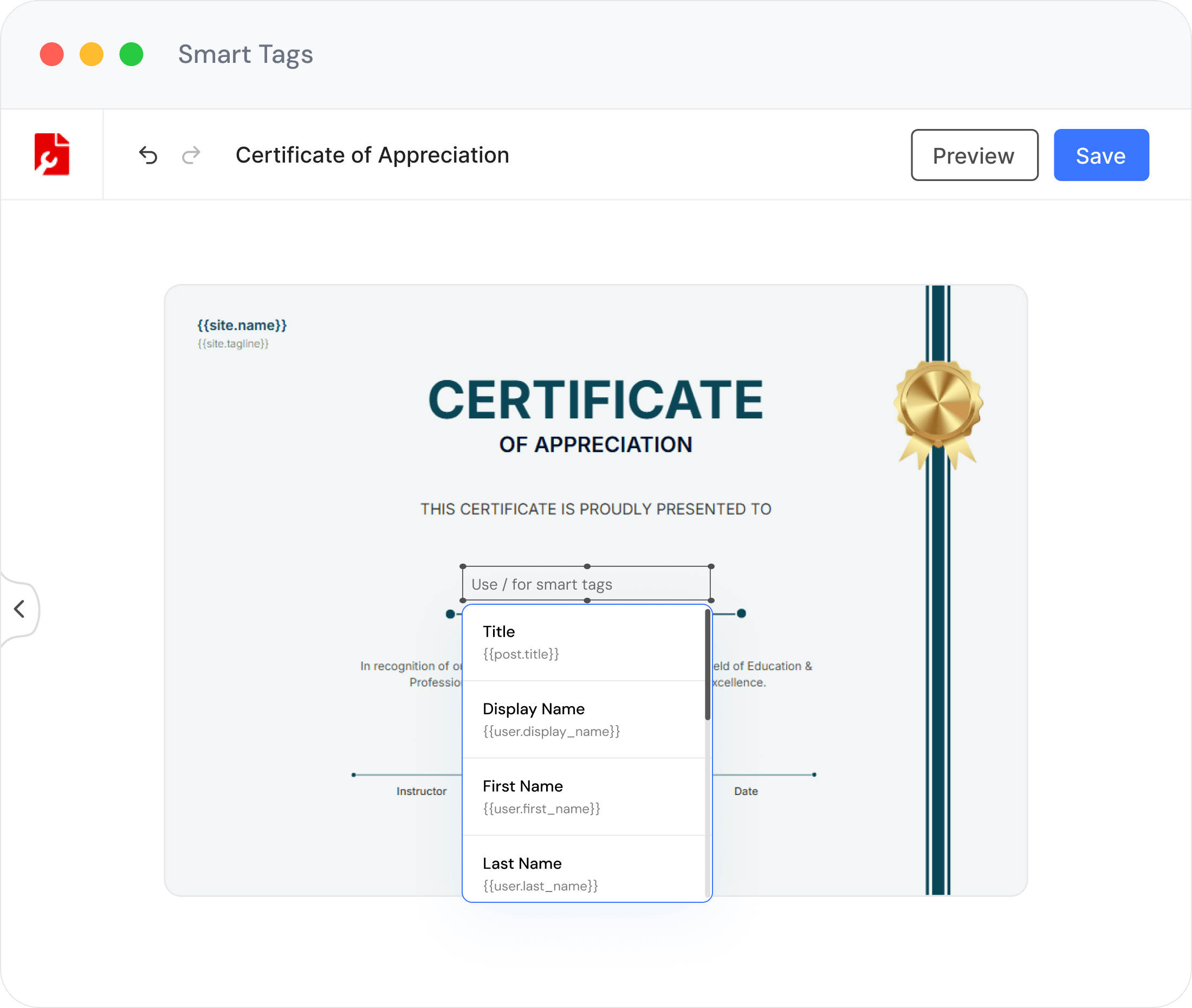
Use Smart Tags to pull each student’s name, course title, completion date, and score directly into a branded certificate template. One template, unlimited recipients — no manual editing ever.
Auto-fill student name, course & completion date via Smart Tags
Fully brand-matched: your logo, colours and fonts
Instant download triggered on course completion
Bulk-generate certificates for entire cohorts in seconds
COURSE BROCHURES
Design Course Brochures That Sell Enrolments
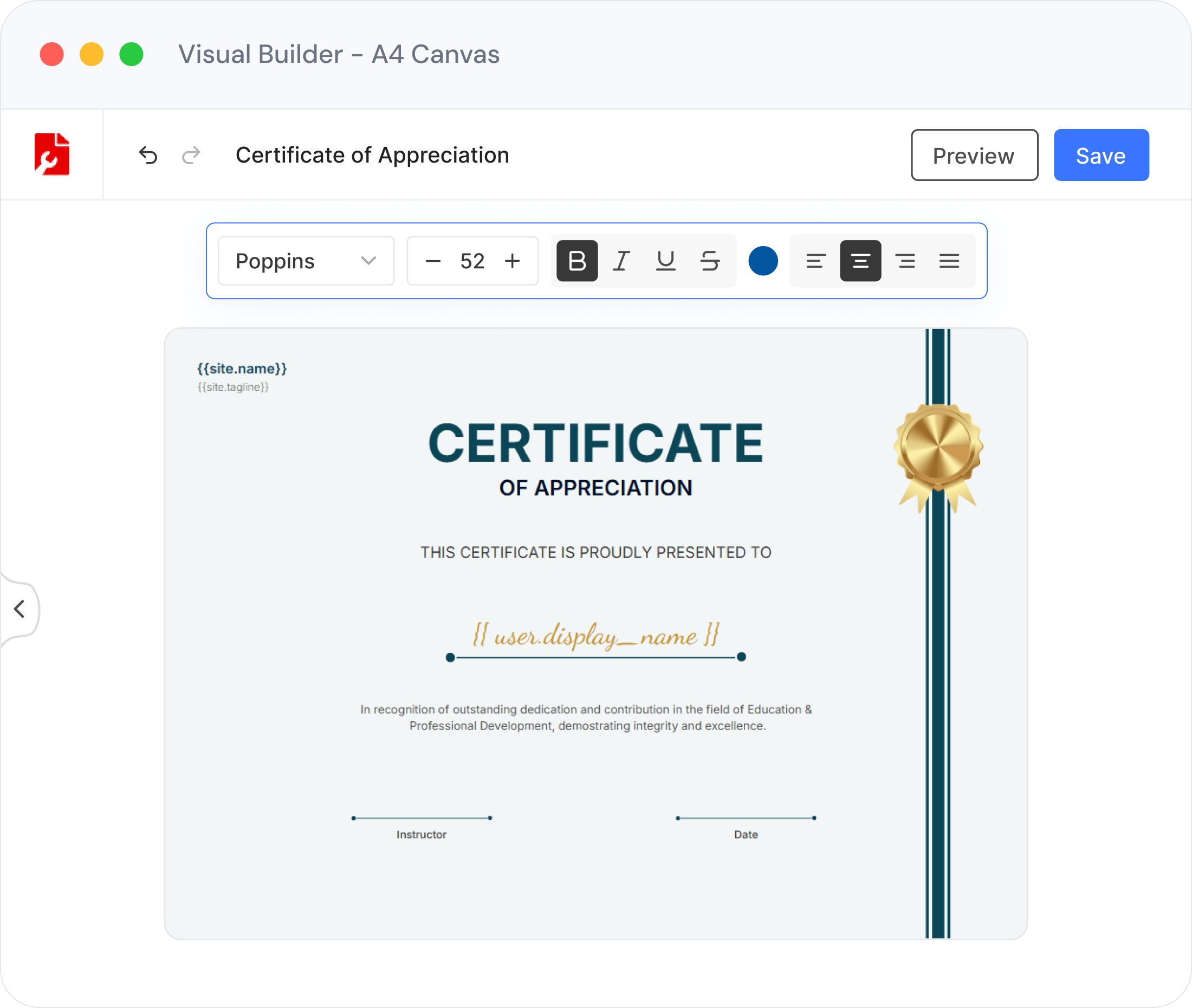
Build polished multi-page course brochures with the visual drag-and-drop builder. Add your curriculum outline, instructor bio, pricing, and testimonials — then offer it as a download or share a direct link.
Drag-and-drop layout with text, images & tables
Your logo, brand colours and fonts applied globally
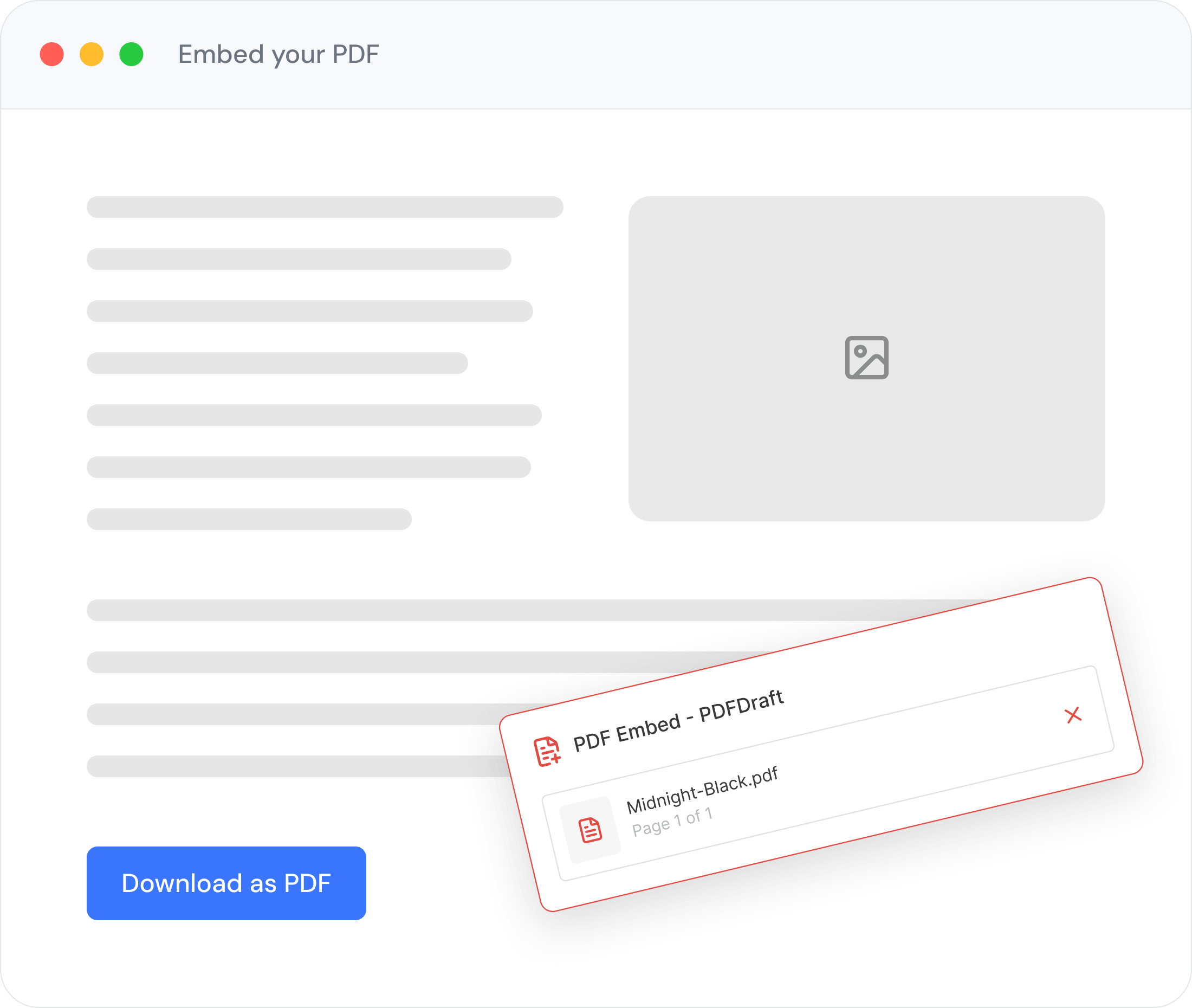
Share as a download link or embed directly in a landing page
Save as a reusable template for future course launches
DOWNLOADABLE STUDY MATERIALS
Every PDF Your Students Need — Generated on Demand
Stop exporting PDFs manually from external tools. Create templates once in PDFDraft and let students download perfectly formatted materials whenever they need them.

Lesson Handouts
Generate per-student or per-class handouts from a single template. Smart Tags personalise every download automatically.

Reading Lists & Syllabi
Publish structured reading lists and course syllabi as downloadable PDFs. Update the template and every future download reflects the change instantly.

Assignment Sheets
Distribute assignment briefs, rubrics, and marking criteria as pixel-perfect PDFs. No more formatting lost in email.

Quiz & Answer Keys
Release answer keys and practice quizzes as gated PDF downloads — only visible after a student completes the relevant module.

Branded Resource Packs
Bundle supplementary materials, cheat sheets, and reference guides into a single cohesive PDF pack — complete with your school or academy branding.

Multi-Page Workbooks
Design multi-page workbooks with fillable areas, module dividers, and consistent headers & footers — all generated from one template.
HOW IT WORKS
Up and running in 5 Steps
Built for site owners, not developers. No shortcodes.
No technical setup.
Install Plugin
Install PDFDraft from the WordPress plugin directory in under a minute.
Build your Template
Use the visual builder to design your certificate, brochure, or study material.
Add Smart Tags
Insert dynamic fields for student name, course, date, score — personalised at generation time.
Trigger Generation
PDFs are generated on course completion, form submission, or any WP event you configure.
Student Downloads PDF
The student receives an instant download link — no waiting, no manual processing.
READY-MADE TEMPLATES
Start From a Professional Education Template
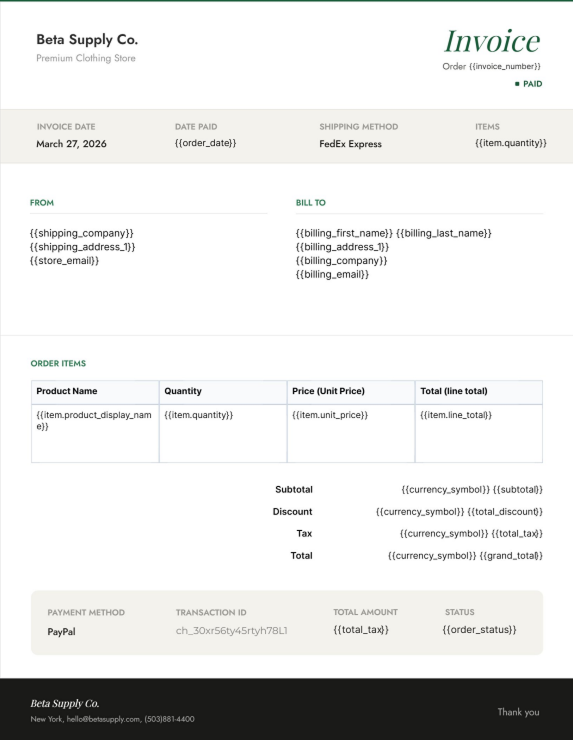
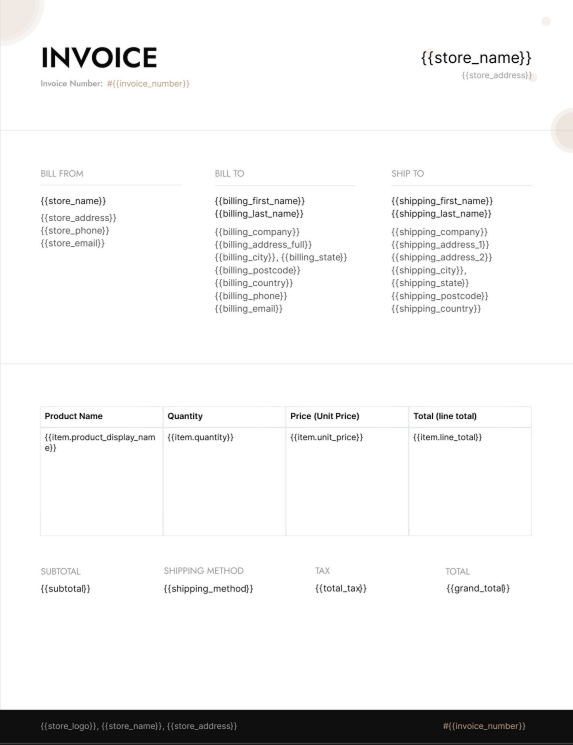
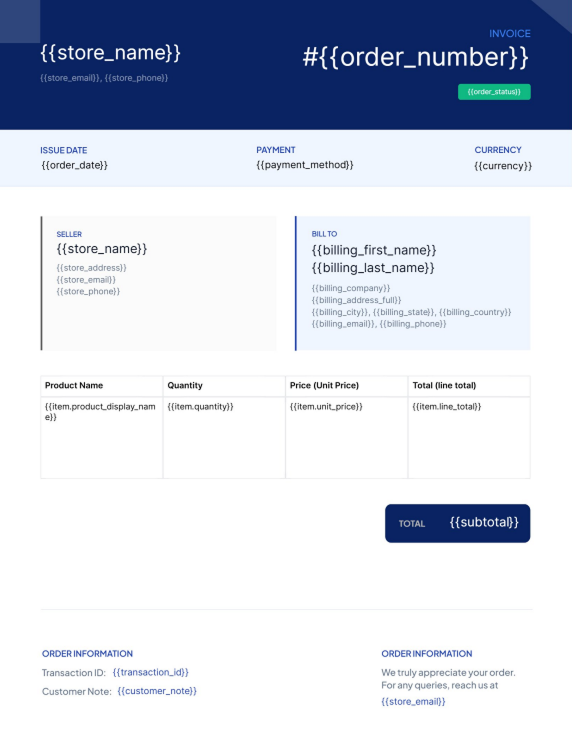
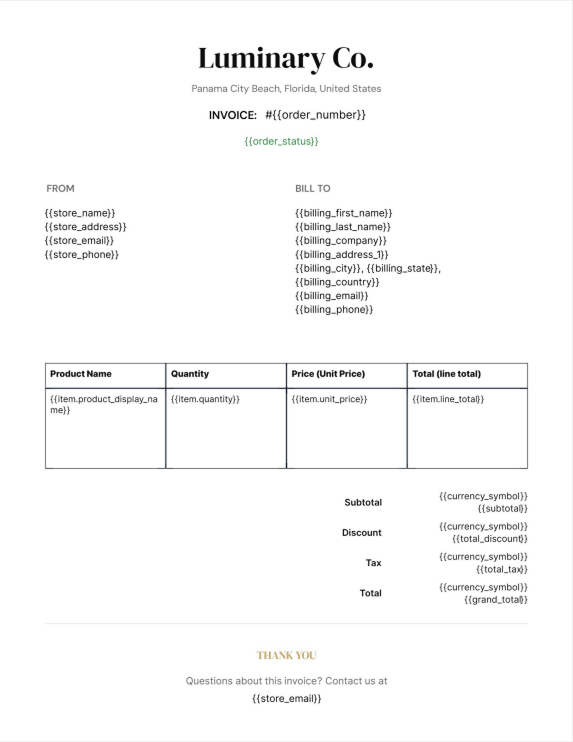
Choose from a growing library of pre-built templates — certificates, brochures, handouts — then customise with your branding in minutes.
Evergreen
Evergreen
Evergreen
Evergreen
EVERYTHING ELSE YOU’LL NEED
Built for the Way Educators Actually Work

Sell Courses with WooCommerce
Attach PDF materials to WooCommerce orders — automatically deliver workbooks and certificates when a student purchases a course.

Shortcode Anywhere Embed
Place a PDF download button or viewer on any page, post, or LMS lesson using a simple shortcode — no developer required.
Global Brand Matching
Set your logo, colours, and fonts once — every PDF you generate inherits your academy’s brand automatically.
Instant PDF Generation
PDFs are rendered in milliseconds — students never wait. No queues, no background jobs, no delays on certificate day.

Multi-Page Documents
Build workbooks, syllabi, and guides that span multiple pages with consistent headers, footers, and page numbering throughout.

100% WordPress-Native
No monthly SaaS fees, no data sent to external servers. PDFDraft runs entirely inside your WordPress install — your data stays yours.
FAQs
Common Questions from Educators
GET STARTED TODAY
Ready to Elevate Your E-Learning Experience?
Install PDFDraft free and start issuing certificates, publishing brochures, and
distributing study materials — all from inside WordPress.